

Starship
Star Fox 64
Action · 1997
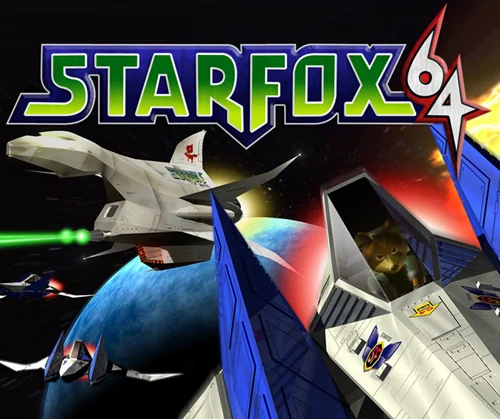
Rediscover Star Fox 64.
Take command of the Arwing once again. Starship is the Star Fox 64 PC port maintained by Harbour Masters, with public instructions for preparing resources from the original game.
A closer look at the game
How to start playing
- 01
Get ready
Download and extract every file from the zip into a folder of your choosing. You'll also need a Star Fox 64 ROM to play.
- 02
Install and connect your copy
Run Starship and select your US 1.0 or US 1.1 (ROM Star Fox)
- 03
Time to play
Wait for the extraction to finish and just be happy
A quick overview to guide you. Full, up-to-date instructions are in the official documentation (opens in a new tab).
What you need to know
- Systems
- Windows · Linux · macOS
- Minimum requirements
- Minimum requirements are not confirmed in this catalog. Read the README and release notes for your operating system.
- Controls
- Check the input options in the Starship documentation.
- Resolution and video
- See the settings available in your installed version.
- Mods
- Check the project to find out which modifications are compatible.
- Files
- A compatible version of Star Fox 64, as specified in the official README.
Frequently asked questions
Does the download include the full game?
No. The project provides the port, engine or tools. You need compatible original files: A compatible version of Star Fox 64, as specified in the official README.
Do I need to know how to code?
Packages or an official launcher are available. Follow the steps and check the documentation for your chosen version.
Where can I get help if it does not work?
Check your operating system version, supported files and project notes. The official documentation is the reference for specific issues.
RELATED GAMES
Your next adventure could be here
 Recompilation
Majora’s Mask
Zelda 64: Recompiled
 Decompilation
Ocarina of Time
Ship of Harkinian
 Decompilation
Super Mario 64
SM64Plus
 Decompilation
Mario Kart 64
SpaghettiKart