

Ship of Harkinian
Ocarina of Time
THE LEGEND OF ZELDA · 1998
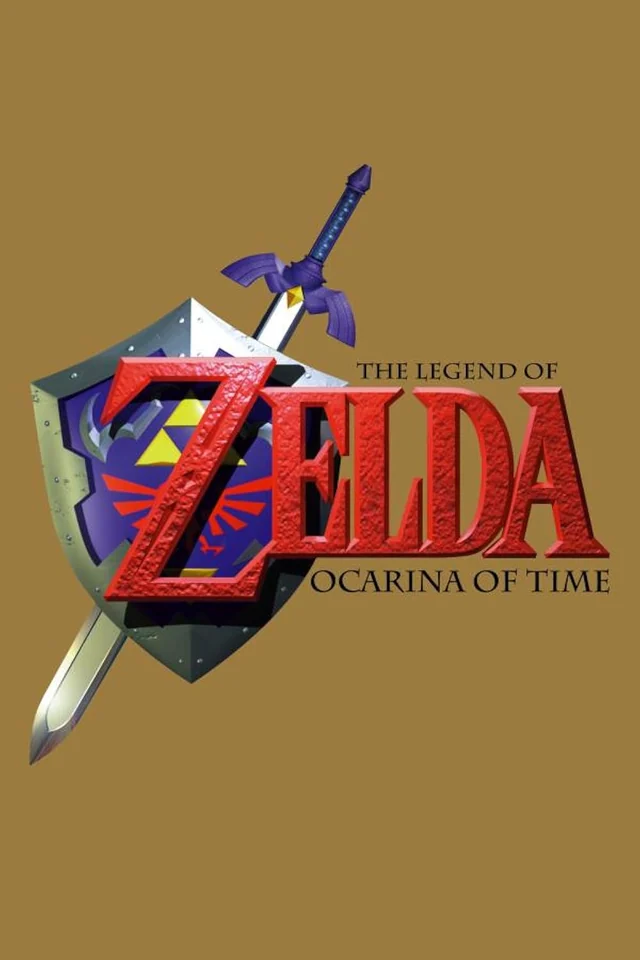
Rediscover Ocarina of Time.
Link’s journey through Hyrule finds a home on PC. Ship of Harkinian builds on the Ocarina of Time decompilation to deliver a native experience with customization options and community features.
A closer look at the game
How to start playing
- 01
Get ready
Download the release for your operating system, then extract the ZIP archive to a folder of your choice. You'll also need a Ocarina of Time ROM to play.
- 02
Run
Launch soh and follow the on-screen instructions.
- 03
Connect your copy
Provide a compatible ROM of the game.
- 04
Time to play
If you press the ESC key, the settings menu will open; adjust it if you wish, and you're all set!
A quick overview to guide you. Full, up-to-date instructions are in the official documentation (opens in a new tab).
What you need to know
- Systems
- Windows · Linux · macOS
- Minimum requirements
- Requirements vary by operating system and renderer. DirectX 11, OpenGL and Metal options are available. Check the official documentation; no universal CPU or RAM minimum has been confirmed here.
- Controls
- Keyboard and input settings within the application.
- Resolution and video
- Adjustable in the graphics settings; check your installed version.
- Mods
- Custom resources in .otr files inside the mods folder.
- Files
- A compatible copy of Ocarina of Time, validated using the checker linked by the project.
Frequently asked questions
Does the download include the full game?
No. The project provides the port, engine or tools. You need compatible original files: A compatible copy of Ocarina of Time, validated using the checker linked by the project.
Do I need to know how to code?
Packages or an official launcher are available. Follow the steps and check the documentation for your chosen version.
Where can I get help if it does not work?
Check your operating system version, supported files and project notes. The official documentation is the reference for specific issues.
RELATED GAMES
Your next adventure could be here
 Recompilation
Majora’s Mask
Zelda 64: Recompiled
 Decompilation
Super Mario 64
SM64Plus
 Decompilation
Mario Kart 64
SpaghettiKart
 Decompilation
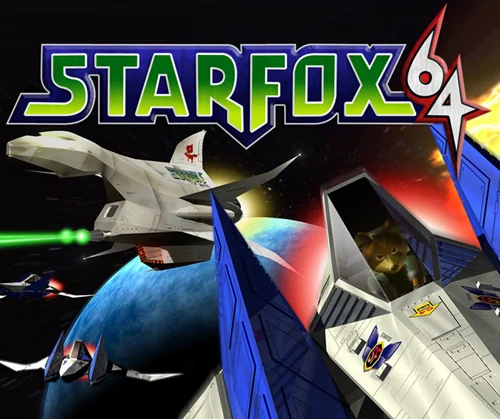
Star Fox 64
Starship