

Zelda 64: Recompiled
Majora’s Mask
THE LEGEND OF ZELDA · 2000
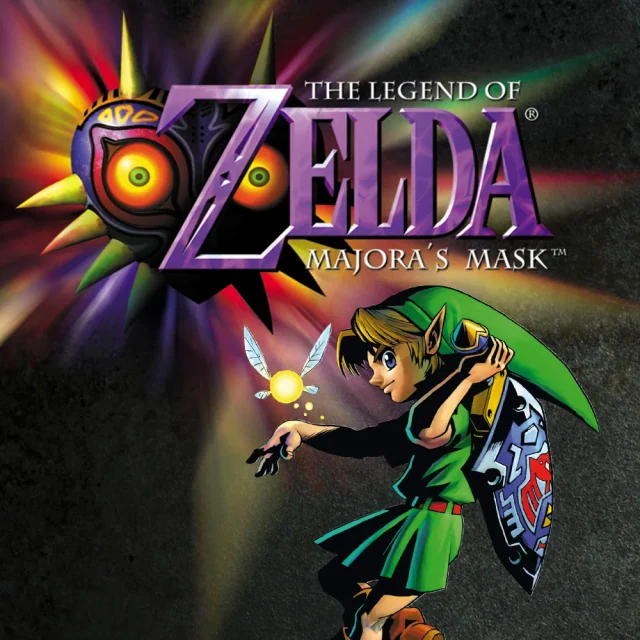
Termina is waiting for you.
Three days. An entire world to save. Return to Termina with Zelda 64: Recompiled, a native adaptation that preserves the adventure and brings new ways to play on your computer.
A closer look at the game
How to start playing
- 01
Get ready
Download the Zelda 64: Recompiled release for your operating system. You'll also need a Majora's Mask ROM to play.
- 02
Choose your version
Extract the package and launch the application. On Linux, check the instructions for your chosen package format.
- 03
Connect your copy
On the start screen, select your compatible copy of Majora’s Mask.
- 04
Time to play
Adjust video and controls in the menu, then begin your adventure.
A quick overview to guide you. Full, up-to-date instructions are in the official documentation (opens in a new tab).
What you need to know
- Systems
- Windows · Linux · macOS
- Minimum requirements
- GPU with Direct3D 12 (Shader Model 6), Vulkan 1.2 or Metal Argument Buffers Tier 2. On x86-64 PCs, a CPU with SSE4.1. On Mac, macOS 13 or later and compatible hardware. Check the official requirements before downloading.
- Controls
- Controller, keyboard and mouse; gyro aiming on compatible controllers.
- Resolution and video
- Widescreen and ultrawide; configurable frame rate.
- Mods
- Install through the project menu; compatibility depends on each mod.
- Files
- A copy of the North American Nintendo 64 version of Majora’s Mask.
Frequently asked questions
Does the download include the full game?
No. The project provides the port, engine or tools. You need compatible original files: A copy of the North American Nintendo 64 version of Majora’s Mask.
Do I need to know how to code?
Packages or an official launcher are available. Follow the steps and check the documentation for your chosen version.
Where can I get help if it does not work?
Check your operating system version, supported files and project notes. The official documentation is the reference for specific issues.
RELATED GAMES
Your next adventure could be here
 Decompilation
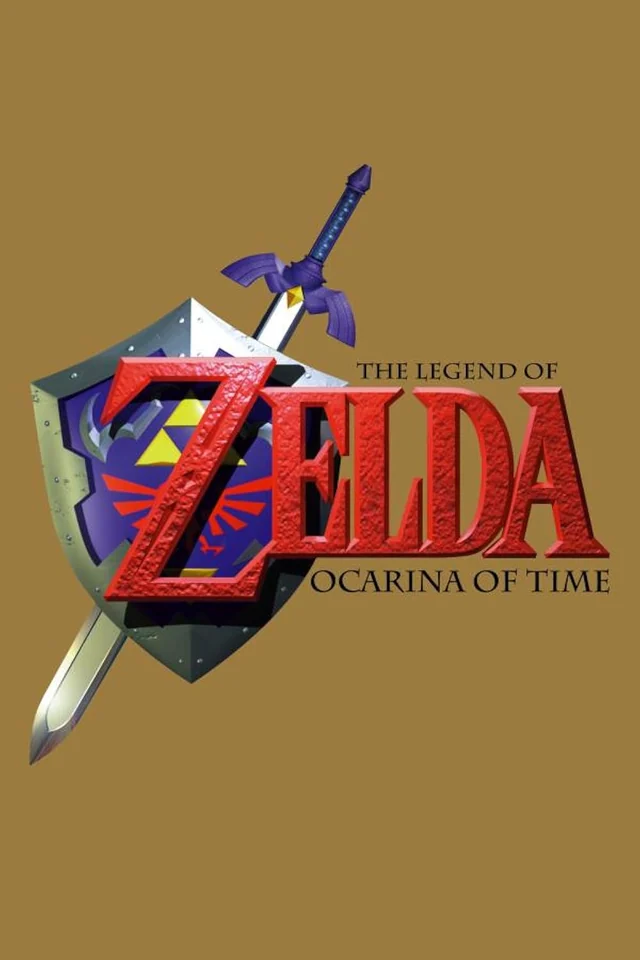
Ocarina of Time
Ship of Harkinian
 Decompilation
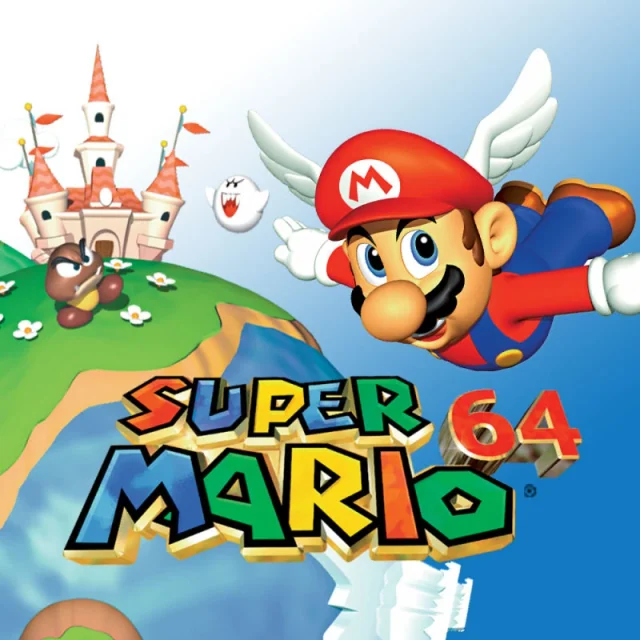
Super Mario 64
SM64Plus
 Decompilation
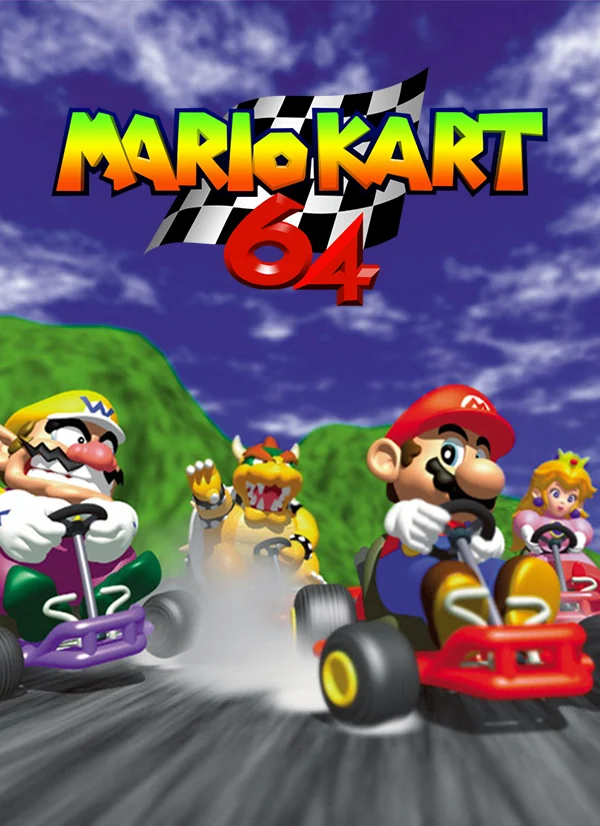
Mario Kart 64
SpaghettiKart
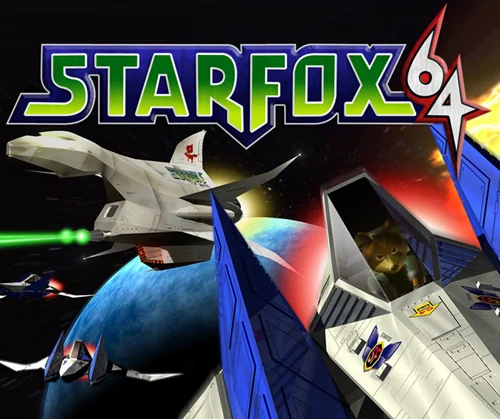 Decompilation
Star Fox 64
Starship